Helpful resources
The resource library gathers short, plain language guides covering everyday smartphone and tablet tasks, such as adjusting text size, managing notifications and finding photos. Each piece is designed to be read at a relaxed pace, with step by step instructions and clear headings.
There are also visual walk throughs showing what common icons and menus look like on different devices, so learners can match what they see in a guide with what appears on their own screens.
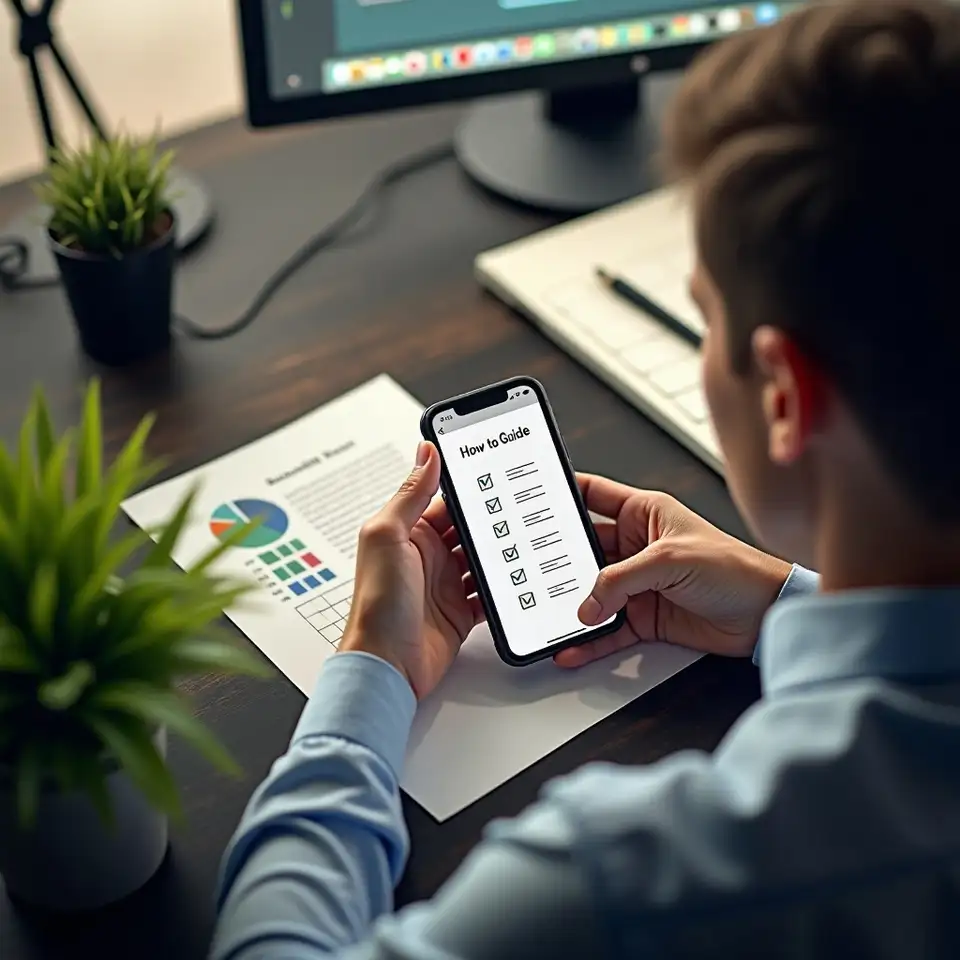
Practical tips for safer, easier mobile use
Make text easier to read
If text on your phone or tablet feels too small, it can be tiring to read messages or follow guides. Most devices include options to increase font size and sometimes bold text. Adjust these settings gradually while checking a real message or contact list, so you can see the effect immediately. This small change often makes the whole device feel more welcoming.
Pause before tapping unusual links
Suspicious messages may pretend to be from familiar organisations but ask for urgent action or personal details. Before tapping anything, check whether you recognise the sender and if the message matches other communications you have received. When in doubt, avoid clicking links or sharing information, and contact the organisation using a trusted number instead. Results may vary, but this habit reduces common risks.
Tidy storage without losing memories
When a device reports low storage, it may slow down or struggle with updates. Start by removing apps you no longer use, then review photos and videos, keeping important ones while clearing obvious duplicates. Many phones have a bin or recently deleted folder that must be emptied separately, so check that area too. Take care not to remove items you still need.
Set sounds that suit you
If your phone is too loud, too quiet or plays confusing tones, it can be easy to miss calls or feel startled. Use the sound or volume settings to choose a clear ringtone and set a comfortable level. Ask a trusted person to call you while you adjust, so you can hear the difference and pick a tone you recognise easily in busy spaces.
Common questions
Which devices are covered
Most guides are written to cover common smartphones and tablets used in Australia. When a step looks slightly different on a particular device, the resource explains how to look for similar icons or menu names so you can still follow along.
Do I need experience
No, you do not need any special skills. Resources are designed for people who are new to smartphones or returning after a long break, and they explain basic terms before using them repeatedly.
Can I print the guides
Yes, many guides can be printed with larger text and simple diagrams. This can be helpful for learners who prefer reading on paper or have difficulty viewing long instructions on small screens.
What topics are included
Resources focus on everyday actions like calls, messages, photos, notifications and storage. They do not provide financial, legal or medical advice, and results may vary depending on your device and comfort level.
Are resources for families too
Family members and carers are welcome to use the resources when supporting someone else. The guides offer shared language and steps that can make conversations about phones calmer and clearer.
What if screens look different
If a guide does not match what you see on your screen, you can note the difference and contact the team with details of your device. Where possible, materials are updated to reflect common variations between models and software versions.

Simple tips
Updated guides
Safety notes
Calm support
You can update your preferences or opt out of updates at any time, and your contact details are handled in line with our privacy policy.