Why we started
82%

learners reporting higher confidence using everyday mobile features

We believe no one should feel foolish for asking how to use a smartphone, and that patient, repeatable practice on your own device is the safest way to build lasting confidence with calls, messages, photos and everyday apps without pressure or jargon

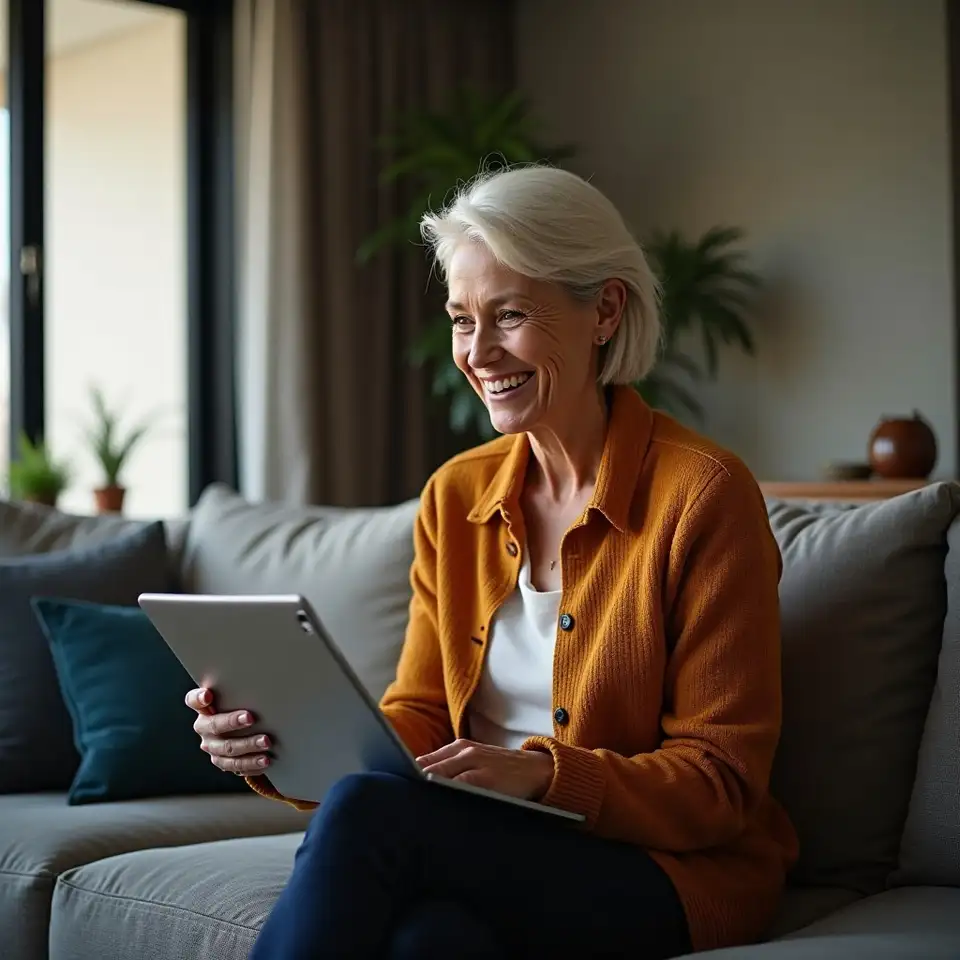
Senior learner practicing smartphone basics with calm instructor

Tusliasluiszerde was created after watching relatives, neighbours and community members feel shut out by smartphones, even when they only wanted to call family or see photos. Today we focus on calm, small group and one to one support that turns confusion into simple habits, using each person’s own device, pace and real daily routines.

How Tusliasluiszerde grew into a calm space for mobile basics

Tusliasluiszerde grew from one simple observation: many capable adults felt embarrassed asking how to use a smartphone, even though they managed homes, families and busy lives. The devices changed quickly, the instructions felt rushed, and people were left tapping around, hoping not to break anything. We saw how often this led to missed calls from family, unread messages and a quiet fear of pressing the wrong button, so we built a slower, kinder way to learn.

Our values

How we keep learning calm

The way Tusliasluiszerde teaches mobile basics is shaped by a few simple values that guide every session, from the first hello to the last follow up message. These values grew from listening carefully to learners who felt left behind by changing technology. Many had tried reading manuals or asking busy relatives, only to come away more confused. Others worried they might tap something wrong and break their phone, so they stopped exploring entirely. By paying attention to these stories, we built an approach that protects confidence first, and features second. Patience means there is time to ask the same question more than once, to pause mid step, or to take a break when the screen feels overwhelming. Clarity means using everyday language, like “home screen” and “picture folder”, instead of long technical terms that make things feel distant. Respect means treating every learner as capable, regardless of age or experience, and never laughing at mistakes. Safety means showing how to recognise unusual pop ups, check app permissions, and manage privacy settings in a calm, repeatable way. Finally, empowerment means the goal is always for the learner to complete actions themselves, such as saving a contact or changing a ringtone, while the instructor sits beside them rather than taking the device away. Together, these values turn mobile basics into a steady, understandable part of daily life.

Patient pacing

Patience at Tusliasluiszerde is not about stretching time, but about matching the pace to the person. In practice, this means repeating steps slowly, allowing silence while someone finds the right icon, and never rushing to grab the device. When a learner hesitates, the instructor waits, offers a gentle hint, and celebrates small wins, like sending a first photo without help.

Plain clarity

Clarity shows up in the words and examples chosen. Instead of talking about operating systems or interfaces, instructors point to familiar moments, such as checking a weather app before hanging out washing. Each feature is linked to a concrete use, so turning on mobile data or adjusting brightness feels like a helpful action, not an abstract technical change.

Everyday respect

Respect means treating every question as valid, whether it is about answering a call or understanding what the cloud is. Instructors sit side by side, not standing over shoulders, and they ask permission before touching a device. This shared control reinforces that the phone or tablet belongs to the learner, and their comfort sets the boundary for each session.

Practical safety

Safety is woven through each topic, rather than left for the end. When installing apps, learners also see how to review permissions. When opening links, they practise spotting unusual addresses or messages. When managing storage, they learn the difference between removing an app and deleting treasured photos, so important memories are protected.

A patient team that speaks human first

We speak as learners often do, asking the same questions you ask, and we build every session around your own phone or tablet so you are never practising on a screen that looks different from home.
    Amelia Clarke Senior Mobile Skills Coach

    Amelia Clarke Senior Mobile Skills Coach

    Leads one to one sessions

    Amelia focuses on turning confusing phone menus into simple step lists. With a background supporting community groups, she is known for repeating explanations as many times as needed, without changing her tone. Learners often say she helps them feel safe trying new taps, even when they usually avoid technology.

  • Ravi Patel Device Setup Specialist

    Ravi Patel Device Setup Specialist

    Guides setup and customisation

    Ravi specialises in Android phones and mixed device households, where different brands can cause extra confusion. He enjoys spotting patterns in what people find tricky, then designing clearer examples. His calm style helps learners who worry about pressing the wrong button or losing important messages.

  • Margaret O’Neill Learning Support Facilitator

    Margaret O’Neill Learning Support Facilitator

    Designs practice materials

    Margaret brings experience from adult learning centres, where she supported people returning to study later in life. She has a gentle way of checking understanding without putting anyone on the spot, using written handouts and large print reminders that learners can stick near their favourite chair.
  • Liam Edwards Group Session Coordinator

    Liam Edwards Group Session Coordinator

    Runs group and family sessions

    Liam looks after group workshops and family sessions, helping relatives support each other without taking over. He is skilled at translating technical terms into everyday language, showing, for example, how notification settings relate to a quiet night’s sleep or missing a delivery alert.
    Sofia Martinez Accessibility Features Guide

    Sofia Martinez Accessibility Features Guide

    Supports accessible setup

    Sofia focuses on accessibility features such as larger text, screen readers and simplified home screens. She often works with learners who have vision or dexterity changes, patiently testing different layouts until everyday actions, like reading messages, feel physically comfortable again.

    Daniel Wong Content and Updates Lead

    Daniel Wong Content and Updates Lead

    Maintains up to date guidance

    Daniel keeps the learning plans current with software updates and new device models. He researches changes to popular apps and security settings, then briefs the rest of the team in plain language. This behind the scenes work means learners receive advice that matches what they actually see on screen.

Your cookie preferences matter

This site uses essential, functional and analytics cookies to keep services reliable, remember your preferences, and understand how visitors use our pages. You can accept all cookies, reject non essential ones, or adjust settings at any time in your browser.

Essential cookies

Essential cookies keep the site working smoothly, remembering your choices so pages load correctly every visit.

Analytics insights

Analytics cookies help us understand which pages are helpful, so we can improve guides and support.

Preference storage

Preference cookies store your selected settings, such as language and cookie choices, for later visits.